
This document describes the features and characteristics of the LFF6020 GB multifunction machine, including color scanning, black and white printing and copying functions, as well as the connection and use with a personal computer.
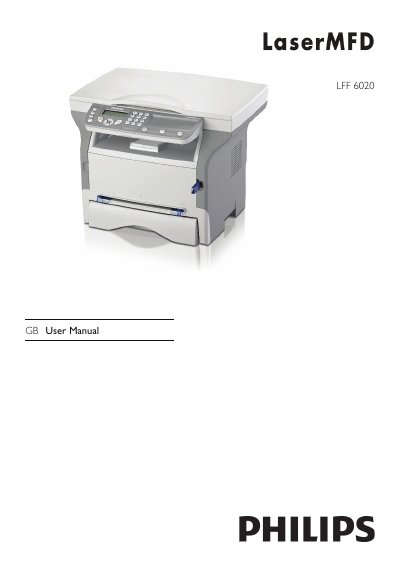
This manual covers everything you need to know to install and use the Philips LFF6020 multifunction printer, including safety guidelines, power requirements, and environmental considerations. It explains how to connect the device to a PC via USB or optional WLAN, install the Companion Suite Pro software, and configure network settings.
The guide also details copying, scanning, and printing functions, provides maintenance procedures such as toner replacement and cleaning, and lists full technical specifications. Contact information for Philips support and warranty details are included at the end of the document.
| Dimensions | 344 x 447 x 386 mm |
|---|---|
| Weight | 11.6 kg |
| Power supply | Single phase 220‑240 V, 4.5 A |
| Printing speed | 20 ppm |
| Print resolution | 600 dpi |
| Scanner resolution | 600 dpi optical, 2400 dpi interpolated |
| Main tray capacity | 250 sheets |
| Supported operating systems | Windows 2000 SP4+, Windows XP SP1+, Windows Vista, Windows 2003 Server (print only) |
The printer can produce up to 20 pages per minute.
It requires a single‑phase 220‑240 V supply at 4.5 A, 50/60 Hz.
The scanner provides 600 dpi optical resolution and up to 2400 dpi interpolated resolution.
The main tray can hold up to 250 sheets.