
This file is the user manual of LFF 6050 multifunction machine, which introduces the user guide, security information, printing, scanning, faxing, connection methods, etc. of the machine
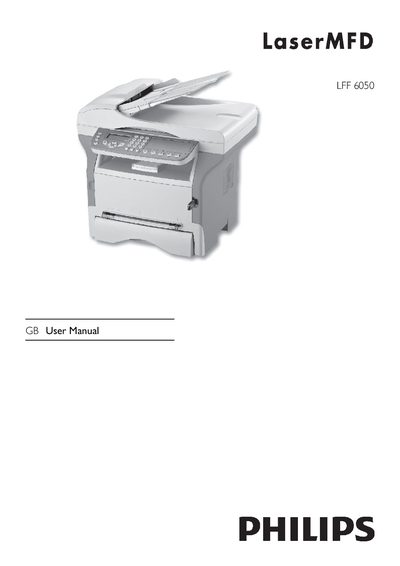
This manual covers everything needed to install and use the Philips LFF6050 GB multifunction machine, including safety guidelines, power requirements, and connection options for USB, WLAN and DECT. It also explains how to install the supplied software, configure scanning, printing, copying and fax functions, and manage consumables.
Additional sections detail troubleshooting, firmware updates, and detailed technical specifications such as dimensions, power consumption, print and scan resolutions, and paper handling capacities, helping users keep the device running efficiently.
| Dimensions | 412 x 447 x 386 mm |
|---|---|
| Weight | 13 kg |
| Power supply | Single phase 220‑240 V, 4.5 A, 50/60 Hz |
| Electric consumption (typical) | 12 W in power‑save mode, 35 W standby, 450 W printing |
| Print resolution | 600 dpi |
| Print speed | 20 pages per minute |
| Main paper tray capacity | 250 sheets (up to 105 g/m²) |
| Operating temperature range | 10 °C to 27 °C (50 °F to 80.6 °F) |
The machine prints at a maximum speed of 20 pages per minute.
It requires a single‑phase 220‑240 V supply at 4.5 A, 50/60 Hz.
The main tray can hold up to 250 sheets of paper.