
This is an instruction manual that introduces the use of wireless laser mouse SPM7711.
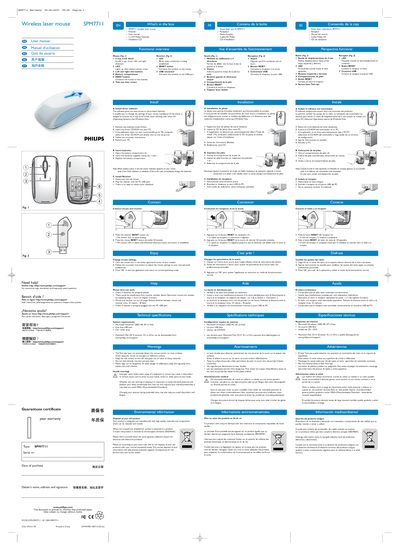
The SPM7711 is a wireless laser mouse that comes with a USB receiver, two AA Philips batteries, and an installation CD. The functional overview shows the 4‑way scroll wheel, LEDs, left/right click buttons, reset button, battery compartment, and twin‑eye laser sensor.
The manual guides you through installing the driver software from the CD, inserting batteries, connecting the receiver, pairing the mouse, adjusting settings via the on‑screen utility, and troubleshooting common issues such as low battery, interference, out‑of‑range conditions, or an un‑plugged receiver.
| Operating system requirements | Microsoft Windows 2000, ME, XP or Vista |
|---|---|
| USB port requirement | One free USB port |
| CD/DVD drive requirement | CD / DVD drive |
| Maximum wireless range | 10 meters / 30 feet |