
This document is a functional overview of SPM5801 QSG AW Front. It describes the various features of the product, including the up & down scroll wheel, left/right click button, low battery indicator, twin lens optical sensor, on/off switch, connect button, battery compartment, and receiver.
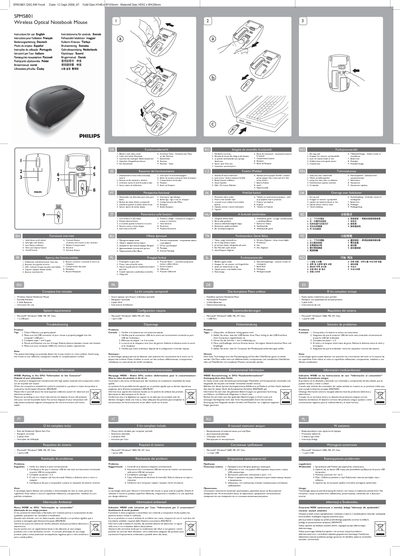
This guide provides a functional overview of the Philips SPM5801 wireless optical notebook mouse, describing its scroll wheel, left‑ and right‑click buttons, low‑battery indicator, twin‑lens optical sensor, receiver and on/off switch. It also lists the complete kit contents – the mouse, a storable USB receiver and two AAA batteries – and gives the required system specifications (Windows 2000/ME/XP/Vista with a USB port).
The manual includes step‑by‑step troubleshooting tips, such as checking battery placement, ensuring the USB connector is properly seated, and reducing the distance if the mouse and receiver lose connection. Environmental information and WEEE disposal instructions are also provided, along with FCC compliance notes.
| Power source | 2 AAA batteries |
|---|---|
| Interface | USB 1x port |
| Supported operating systems | Microsoft Windows 2000, ME, XP, Vista |
| Sensor type | Twin‑lens optical sensor |
| Connect button function | Connects mouse to receiver |
| On/Off switch | OnOff Switch |
| Scroll wheel | Up & down scroll wheel |
Press the Connect button on the mouse; this pairs the mouse with the receiver.
Insert two AAA batteries correctly into the battery compartment, ensuring proper polarity.