
This document is the instruction manual for a certain brand of mouse, which includes the use of the product and troubleshooting methods.
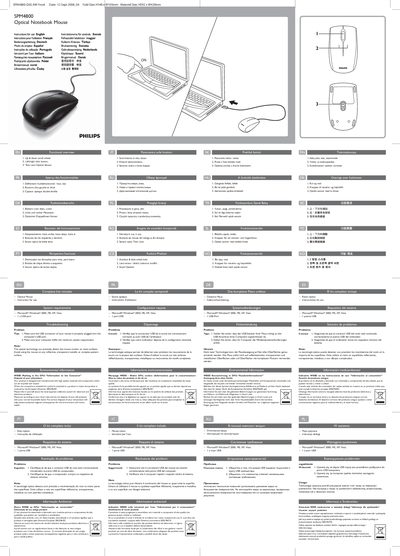
The guide provides a functional overview of the SPM4800 mouse, describing the up‑and‑down scroll wheel, left‑right click buttons and the twin‑lens optical sensor. It also lists the complete kit contents and the required Windows operating systems with a USB port.
Troubleshooting tips explain how to correctly connect the USB connector and verify that the computer meets the minimum system requirements. Environmental information covers WEEE recycling instructions and FCC compliance notes.
| Scroll wheel | Up & down scroll wheel |
|---|---|
| Buttons | Left‑right click buttons |
| Sensor | Twin‑lens optical sensor |
Make sure the USB connector of the mouse is properly plugged into the computer’s USB port and that the computer meets the minimum system requirements.
Do not use the mouse on reflective, transparent, metallic or complex‑pattern surfaces.