
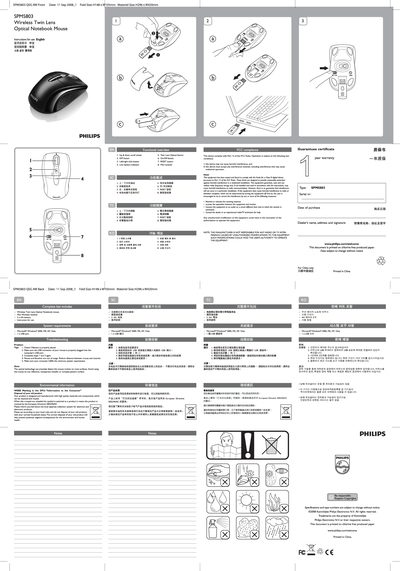
Philips SPM5803 Wireless Twin Lens Optical Notebook Mouse Quick Start Guide


Philips SPM5803 Wireless Twin Lens Optical Notebook Mouse Quick Start Guide - cover page
Brand
Philips
Category
Mouse keyboard
Document type
Quick Start Guide
Language
English
Pages
1
File format
PDF
File size
1.3 MB
Published
26 March, 2012
Updated
29 May, 2012
MD5 checksum
3E2A45A6AC7570AC95C9B0E5DA2E96B7

About this manual

This Quick Start Guide introduces the Philips SPM5803 wireless twin‑lens optical notebook mouse. It explains the basic functions, how to install the mini receiver, insert batteries, and use the scroll wheel, DPI switch, and other buttons.

The guide also lists system requirements (Windows 2000/ME/XP/Vista with a USB port), battery type (2 AA), FCC compliance notes, troubleshooting steps, and environmental disposal instructions.

What's inside

  • Functional overview
  • Complete kits includes
  • System requirements
  • Troubleshooting
  • Environmental information
  • FCC compliance
  • Warranty and guarantee

Specifications

Battery type2 AA
Operating system compatibilityWindows 2000, ME, XP, Vista
Sensor typeTwin Lens Optical Sensor

Frequently asked questions

How do I check if the batteries are installed correctly?

Make sure the battery is properly placed in the mouse.

What should I do if the mouse and receiver are out of range?

Reduce the distance between the mouse and its receiver.

What are the minimum system requirements for this mouse?

A computer running Windows 2000, ME, XP, or Vista with at least one USB port.

Download PDF (1.3 MB)

More Philips Manuals


View all Philips manuals →