
This document is a user manual for the MFC-795CW printer. It provides information about the printer's environmental features and proper disposal of waste materials, as well as instructions for common settings and security functions.
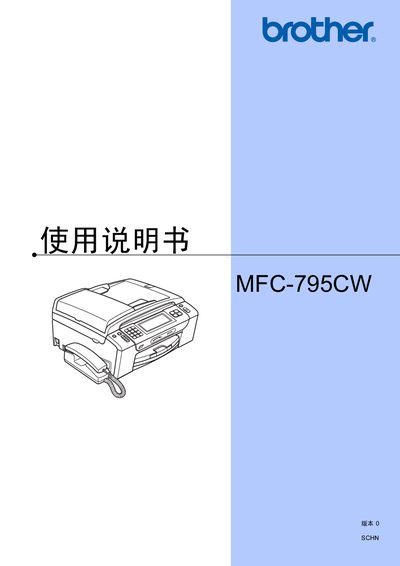
This manual covers the complete operation of the Brother MFC-795CW multifunction device, including printing, copying, scanning, faxing, and telephone functions. It provides step‑by‑step guidance for loading paper, installing ink cartridges, configuring network settings, and using optional accessories such as the automatic document feeder.
Safety and environmental information are included, along with troubleshooting tips, maintenance procedures, and specifications for supported media and features. The document is written in Chinese and organized into clear sections for easy reference.
| Supported photo paper size | 10 × 15 cm |
|---|---|
| Supported photo paper type | Other photo paper |
| Display language | Chinese (default) |
Open the ink‑cartridge cover, press the lock‑release lever, and remove the empty cartridge. Then insert a new original Brother cartridge matching the color indicated on the LCD screen.
Recycle packaging materials with local recycling services, and treat used ink cartridges, circuit boards and electronic parts as electronic waste according to local regulations.
Select the menu option to restore all settings to factory defaults; the manual provides the exact steps on page 107.