
This is the user's guide for MFC-6890CDW, which introduces the machine's functions and operating methods.
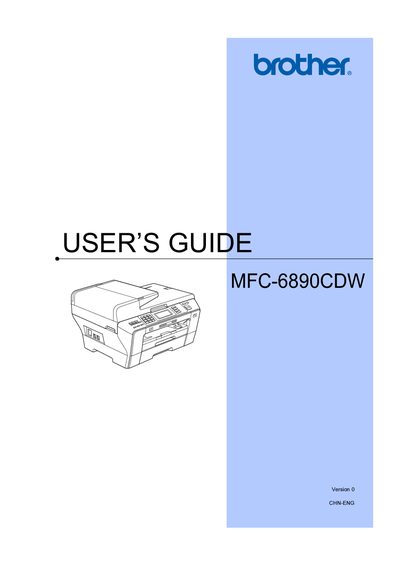
This manual covers all aspects of using the Brother MFC-6890CDW multifunction printer, including loading paper, configuring security features, sending and receiving faxes, telephone functions, and direct photo printing. Detailed sections guide users through general setup, copy settings, and software features.
Safety, legal notices, and troubleshooting tips are included, along with instructions for resetting to factory defaults and maintaining the device. The document also references additional guides on the included CD-ROM for software installation.
| Line Type | Two‑wire analogue PSTN line |
|---|
Brother advises that the product may not function correctly in a different country and does not offer warranty for such use.
Secure Function Lock can be turned on or off in the Security features section of the manual.
The software user guide is available on the CD‑ROM included with the machine.
Use the 'Restoring all settings to the factory settings' option in the manual.