
This document is the user manual for MFC-795CW printer, which introduces the basic operation of the printer, loading paper and documents, general settings, security features, and sending faxes, etc.
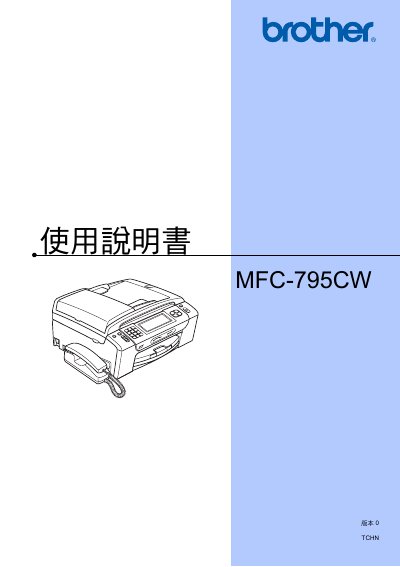
This manual explains how to install, configure, and use the Brother MFC-795CW multifunction printer. It covers basic operation, paper loading, envelope and photo paper handling, and the LCD display indicators.
The guide also details fax and telephone functions, scanning, copying, direct printing from memory cards or USB drives, software and network features, safety information, troubleshooting, and routine maintenance such as ink‑cartridge replacement and cleaning procedures. This manual is written in Chinese.