
This is a user manual for a multi-function printer, which includes instructions on how to use the product and how to solve common problems.
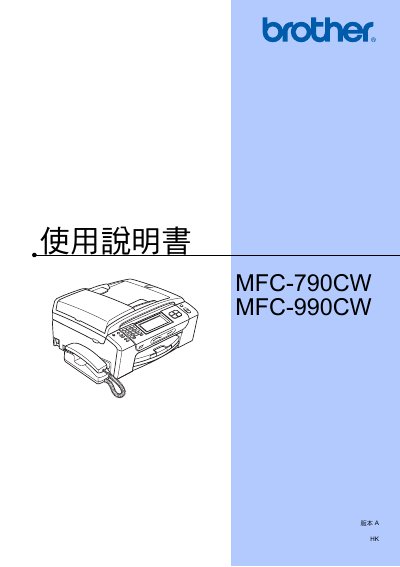
This Brother MFC-790CW and MFC-990CW user manual includes a product registration section, a record of purchase date and place, the serial-number location, and notes on use with analog PSTN lines.
The table of contents lists sections for paper and originals, general settings, security, fax sending and receiving, telephone and external devices, dialing and stored numbers, the telephone answering device, reports, polling, copying, and photo printing from memory cards or USB flash memory. This manual is written in Chinese.
| Telephone line compatibility | Taiwan analog PSTN line with an applicable connector |
|---|
It covers the Brother MFC-790CW and MFC-990CW.
The manual gives http:/www.brother.comregistration/ as the registration website.
It is designed for a Taiwan analog PSTN line with an applicable connector.
The serial number is on the back of the machine.