
This document is a quick setup guide for installing and setting up the MFC-640CW multifunction printer. The document provides steps and instructions for hardware setup and software installation.
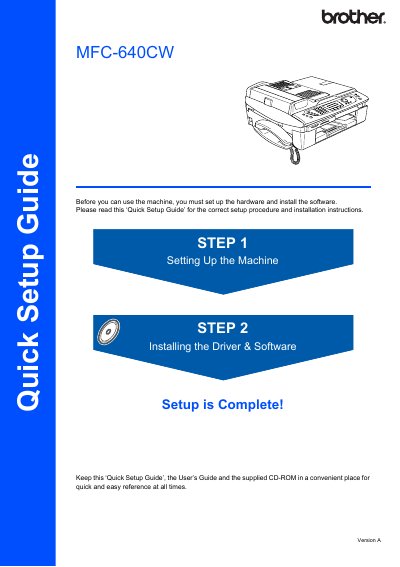
This guide covers safety precautions, installation tips, and basic operation of the Brother MFC-640CW multifunction printer. It explains how to choose a proper location, connect telephone and power lines, and avoid hazards such as high‑voltage electrodes and water exposure.
The manual also includes quick‑reference procedures for sending faxes, making copies, using speed‑dial, and storing numbers, as well as warranty and support information for users in Australia and other regions.
| Operating temperature | 10° to 35°C |
|---|---|
| Telephone line type | Two‑wire analogue PSTN line |
Register the product online at http://www.brother.com/registration/.
Unplug the telephone line cord first and then the power cord from the electrical socket before cleaning.