
This document introduces product information of MFC-790CW, including product features, specifications, usage methods, etc.
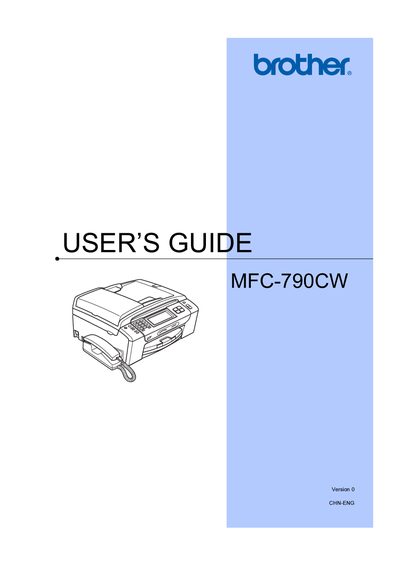
This manual covers all aspects of using the Brother MFC-790CW, including loading paper and media, configuring fax and telephone functions, and operating the copy, scan, and photo printing features. It also explains system settings such as backlight brightness, language selection, power‑save mode, and security options.
Additional sections detail software and network features, safety guidelines, and routine maintenance procedures. Appendices provide legal information, troubleshooting tips, and instructions for restoring factory defaults.
Use the menu option "Setting the backlight brightness" as described on page 4.
Select the "LCD Language" option in the settings menu.
Choose "Restoring all settings to the factory settings" from the menu.
Refer to the "document jam" troubleshooting section near the end of the manual.