
This document is a quick setup guide for the Epson MFC-665CW printer. It provides instructions on how to set up and install the printer.
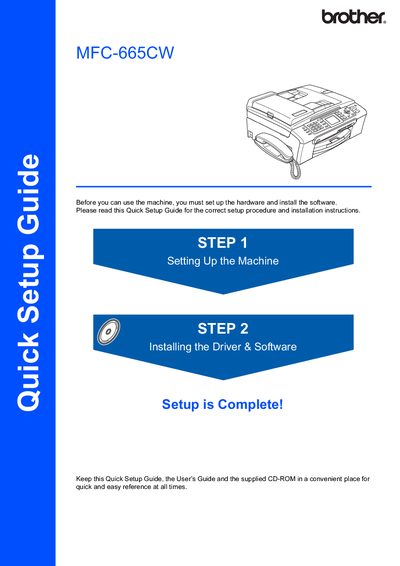
This Quick Setup Guide walks you through the initial hardware setup of the Brother MFC-665CW, including removing protective parts, loading paper, connecting the handset, phone line, and power cord. It also covers the required software installation steps for Windows and Macintosh systems.
The guide provides detailed instructions for connecting USB or network cables, configuring network settings, and installing the BRAdmin utilities. Safety warnings and cautions are highlighted throughout to prevent injury or damage to the machine.
| USB interface speed | 12 Mbits/s |
|---|---|
| Recommended USB cable length | 6 feet (2 meters) |
| Paper capacity | 100 sheets of 80 gsm (20 lb) paper |
| Power cord requirement | Earthed plug |
Follow the Installing the Driver & Software section; the interface cable should be connected only after the software installation is complete.
The machine can load up to 100 sheets of 80 gsm (20 lb) paper.
Use a USB 2.0 cable no longer than 6 feet (2 meters).