
This manual is a user guide for the Brother MFC-6890CDW all-in-one printer, including the device overview, basic operations, loading paper and documents, general settings, security features, and fax functions.
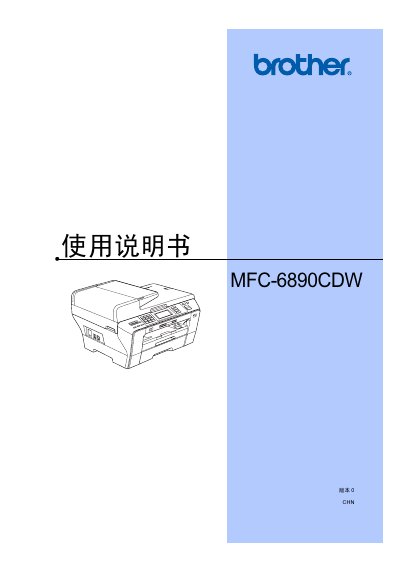
This manual covers the basic operation of the Brother MFC-6890CDW multi‑function device, including loading paper and original documents, using the LCD panel, and configuring power‑saving modes. It also details the fax, copy, scan, and direct‑print functions, as well as network and software features.
Safety information, troubleshooting steps, and routine maintenance procedures such as replacing ink cartridges and cleaning the scanner are included, along with a specifications section that lists supported media and ink requirements. This manual is written in Chinese.
| Photo paper size | 10 × 15 cm |
|---|---|
| Supported photo paper type | Other photo paper |
| Ink type | Brother proprietary ink cartridges |
Place the desired paper stack into paper tray #1 as described in the paper loading section.