
MFC-795CW Quick Setup Guide, introduces the steps of device installation, use and connection.
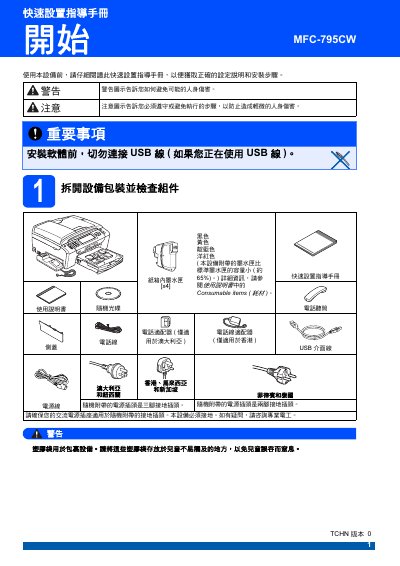
The guide walks users through unpacking, safety precautions, and initial installation of the MFC‑795CW, including power, telephone line, and paper loading procedures. It also covers ink cartridge installation, initial cleaning, print‑quality checks, and network configuration.
Later sections explain routine maintenance such as replacing consumables, cleaning the print head, and troubleshooting common issues. All instructions are presented with on‑screen prompts and safety warnings to ensure reliable operation. This manual is written in Chinese.
| Standard ink tank capacity | ≈ 65 % of full capacity |
|---|
No. The manual states to avoid connecting the USB cable before the initial setup is complete.