
This quick setup guide explains how to set up and install the MFC-795CW device correctly.
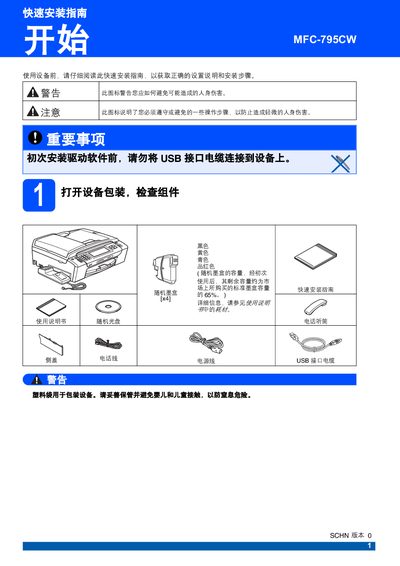
The guide walks you through unpacking, removing protective films, and connecting power, phone line, and USB cable. It also covers network connection options such as 10BASE‑T or 100BASE‑TX and warns about safety precautions before driver installation.
Instructions for loading A4 paper, installing ink cartridges, running the automatic cleaning cycle, and checking print quality are included. The document finishes with steps to reset network settings to factory defaults and replace consumables like ink cartridges. This manual is written in Chinese.
| USB Interface | USB 2.0 (AB 型) |
|---|---|
| Network Interface | 10BASE‑T or 100BASE‑TX |
No, do not connect the USB cable to the device before installing the driver software.
Insert one end of the phone line into the LINE‑marked jack on the device and the other end into the wall phone socket.
Push the cartridge gently forward until it clicks into place, then close the cartridge cover.
Select the network reset option and hold the button for 2 seconds to confirm; the device will restart with default settings.