
The document is the user manual for Sonata Elite, which provides installation guide, front I/O port connection, cooling system, etc.
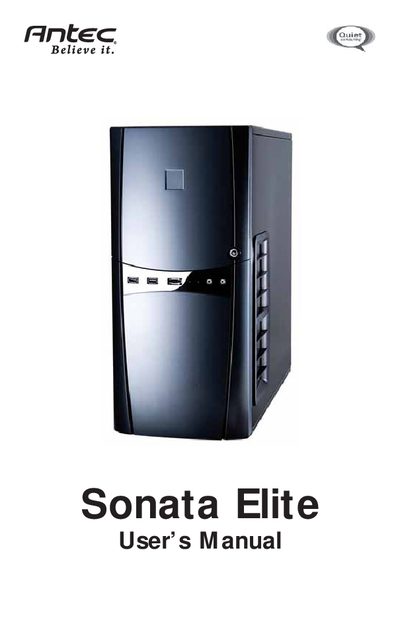
The Sonata Elite is a quiet mini‑tower computer case from Antec, featuring a solid steel structure, dual‑layer side panels, integrated TriCool™ rear fan, a 120mm slot blower, and washable air filters.
This manual walks you through setting up the case, installing the power supply, motherboard, internal and external drives, and connecting front I/O ports such as USB 2.0, eSATA, and AC’97/HD audio.
| Case Type | Quiet Mini Tower |
|---|---|
| Color | Black |
| Dimensions | 18.9" x 8.1" x 17.3" |
| Weight | 21.6 lbs / 9.8 kg |
| Cooling Fans | 1x Rear 120mm TriCool™ Fan, 1x 120mm Slot Blower |
| Drive Bays | 3 x External 5.25" bays, 4 x Internal 3.5" bays, optional 1 x External 3.5" bay |
| Motherboard Size Support | Mini‑ITX, microATX, Standard ATX |
| Front USB Ports | 2 x USB 2.0 |
| Front eSATA Port | 1 x eSATA |
| Audio Ports | AC’97 / HD Audio In and Out |
It provides three external 5.25" drive bays, four internal 3.5" drive bays, and an optional external 3.5" drive‑bay bracket.
The case ships with one rear 120mm TriCool™ fan and one 120mm slot blower that has a three‑speed switch.
Connect the front USB cable to the USB header pins on the motherboard as shown in the USB pin‑layout table.
Remove the center grill, wash the filter as needed, then latch the filter back into place.