
Key facts
- Manuals
- 52
- Models
- 11
- Languages
- ZH · EN · JA · DE
- Last added
- 2022-12-07
Antec models by category
Featured Antec manuals
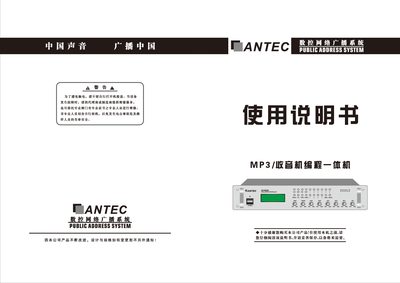
ANTEC AY Series Public Address System User Manual
The ANTEC AY series is a compact public address system that integrates a broadcast amplifier, MP3 decoder, digital tuner, and zone control. It supports MP3, FM, and AM playback, offers up to six zone outputs, and provides programmable scheduling for automatic operation in environments such as residential complexes, supermarkets, and hotels.
The manual explains safety precautions, hardware connections, key functions, operation procedures for MP3 and radio playback, zone control, programming of schedules, and troubleshooting steps. It also includes technical specifications, dimensions, and warranty information. This manual is written in Chinese.
Covers: Product Overview · Key Functions · Button Functions · Operation Instructions · Programming and Scheduling · Program Deletion

Antec SG-650/SG-850 Power Supply User Manual
The Signature Series SG-650 and SG-850 are high‑end ATX/EPS power supplies featuring universal 100~240 V input, active PFC, Japanese capacitors, dual‑layer circuit boards, and a PWM fan that runs from 400 RPM to 4000 RPM. They also include DC‑to‑DC conversion for the 5 V and 3.3 V rails and carry 80 PLUS® Bronze efficiency certification.
Installation involves mounting the unit with four screws, connecting the 24‑pin main connector, the CPU 8‑pin (or 4‑pin) connector, and the modular cables as needed, then attaching the AC power cord and switching the unit on. The manual also lists system protections such as OVP, SCP, and OCP, and provides detailed electrical specifications for each model.
Covers: Features and Standards · System Protection · Cable Connections · Installation Instructions · Electrical Specifications · Safety Certifications
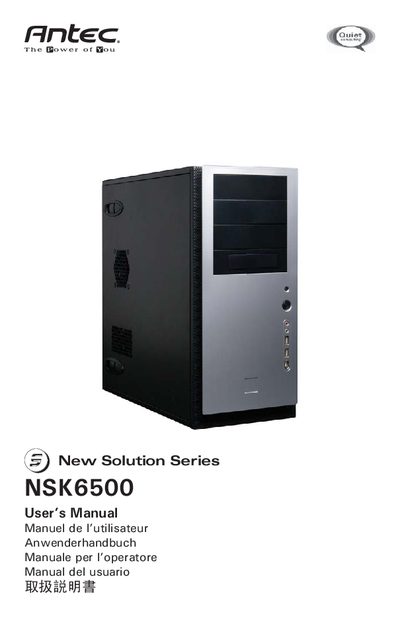
Antec NSK6500 Computer Enclosure User Manual
This manual covers the basic setup of the NSK6500 quiet super mid‑tower case, including placement, side‑panel removal, and internal component identification. It details the installation of the motherboard, power connections, front‑panel I/O, and optional devices such as 3.5" and 5.25" drives.
Additional sections describe the chassis air guide, cooling system with the pre‑installed TriCool fan, optional front 92 mm fan mounts, and full technical specifications. Contact information for Antec support in North America and Europe is provided at the end of the document.
Covers: Disclaimer · Setting Up · Installing the Motherboard · Connecting the Power and LED · Connecting the USB Ports · Connecting the IEEE 1394 (FireWire) Port
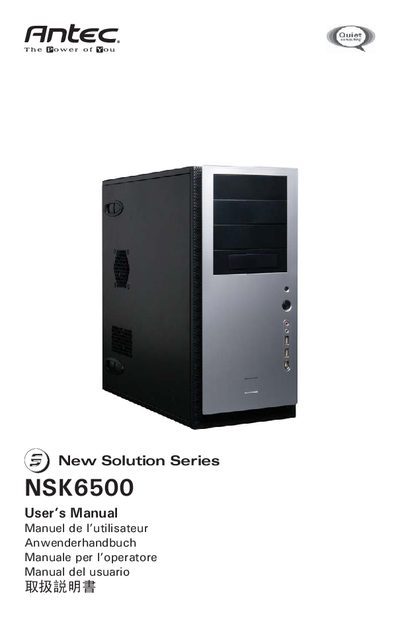
Antec NSK6500 Chassis User Manual
This manual covers the complete installation process for the Antec NSK6500 silent super‑mid‑tower case, including power‑supply details, chassis air‑guide setup, and optional fan mounting. It also explains how to connect front‑panel connectors such as USB, FireWire, and audio ports.
Detailed step‑by‑step instructions are provided for mounting the motherboard, installing 3.5‑inch and 5.25‑inch drives, and configuring the TriCool fan speed settings. Safety notices and warranty information are included at the beginning of the document. This manual is written in Japanese.
Covers: Power Supply · Setup · Motherboard Installation · Front Panel Connectors · USB Header Layout · IEEE 1394 (FireWire) Connection
Latest Antec manuals
ANTEC AY Series Public Address System User Manual
User Manual 7 pages · 4 MB · ZHUser manual for ANTEC AY series MP3/radio integrated public address system, covering operation, programming, and maintenance.
Antec SG-650/SG-850 Power Supply User Manual
User Manual 8 pages · 1.2 MB · ENThe Antec SG-650/SG-850 power supply user manual provides specifications, installation steps, and safety information for these high‑end PSUs.
Antec NSK6500 Computer Enclosure User Manual
User Manual 8 pages · 87 KB · ENThe Antec NSK6500 User Manual provides setup, installation, and power‑supply instructions for this quiet mid‑tower computer case.
Antec NSK6500 Chassis User Manual
User Manual 8 pages · 180 KB · JAThe Antec NSK6500 chassis user manual provides setup, motherboard installation, front‑panel connections and cooling system instructions.
Antec NSK 6000 / NSK 6580 / NSK 6580B User Manual
User Manual 9 pages · 104 KB · ENThe Antec NSK 6000, NSK 6580, and NSK 6580B user manual provides setup, installation, and connection instructions for these quiet mid‑tower cases.
Antec NSK 6000/6580/6580B Chassis User Manual
User Manual 9 pages · 213 KB · JAThe Antec NSK 6000, 6580 and 6580B chassis user manual provides setup, wiring, and safety instructions for these computer cases.
Antec New Solution Series NSK 4000/4480/4480B User Manual
User Manual 8 pages · 74 KB · ENThe Antec New Solution Series NSK 4000, 4480, and 4480B user manual provides setup, installation, and safety instructions for the super mini tower case.
Antec NSK 4000/4480/4480B User Manual
User Manual 8 pages · 187 KB · JAAntec's New Solution Series NSK 4000, 4480 and 4480B case manual provides setup, installation and safety instructions.
Antec NSK4400 Chassis Manual
User Manual 7 pages · 67 KB · ENThe Antec NSK4400 chassis manual provides setup, installation, and specifications for the Super Mini Tower case and its power supply.
Antec NSK3480 New Solution Series User Manual
User Manual 8 pages · 93 KB · ENThe Antec NSK3480 case manual provides setup, installation, and power‑supply instructions for the New Solution Series micro‑ATX chassis.
Antec NSK3480 Computer Case User Manual
User Manual 8 pages · 93 KB · ENThe Antec NSK3480 User Manual provides setup, installation, and power‑supply instructions for the New Solution Series microATX case.
Antec NSK2480 Desktop Case User Manual
User Manual 8 pages · 85 KB · ENThe Antec NSK2480 desktop case user manual provides setup instructions, component overview, and specifications for the quiet case and its power supply.
Antec NSK2480 Computer Case User Manual
User Manual 8 pages · 85 KB · ENThe Antec NSK2480 User Manual provides setup, installation, and specifications for the New Solution Series quiet desktop case.
Antec NSK 1480 Computer Case User Manual
User Manual 7 pages · 71 KB · ENThe Antec NSK 1480 user manual provides setup instructions, component details, and specifications for the quiet desktop slim computer case.
Antec NSK 1480 Computer Enclosure User Manual
User Manual 7 pages · 71 KB · ENThe Antec NSK 1480 user manual provides setup, installation, and cooling instructions for this quiet desktop case.
Which document do I need?
User Manual
Day-to-day operation, settings and troubleshooting. Start here if the product is already set up.
Questions answered in Antec manuals
How do I install the Antec SG-650/SG-850 power supply?
Mount the PSU with the four supplied screws, connect the 24‑pin main power connector, attach the CPU 8‑pin (or 4‑pin) connector, plug in the required modular cables, connect the AC power cord, and turn the switch to the “|” position.
What safety protections are built into the SG‑850 model?
The SG‑850 includes Over Voltage Protection, Short Circuit Protection, and Over Current Protection.
What power supply is included with the NSK6500?
The NSK6500 includes a 430‑Watt universal‑input power supply with active PFC, a single 80 mm fan, and ATX12V version 2.01 compatibility.
How many optional front 92 mm fan mounts does the case have?
The case provides two optional 92 mm fan mounts in the front of the HDD cage.
What power supply is included with the NSK 6580 models?
The NSK 6580 and NSK 6580B include an EarthWatts 430 W power supply with universal input, active PFC and 80 PLUS certification.
How many speed settings does the rear TriCool fan have?
The rear TriCool fan provides three speed settings: Low, Medium, and High.