
This document is an introduction to the user manual of Antec's new Solution Series NSK 1480. The manual provides detailed descriptions of the features and functions of the case, as well as the characteristics and protective features of the included power supply.
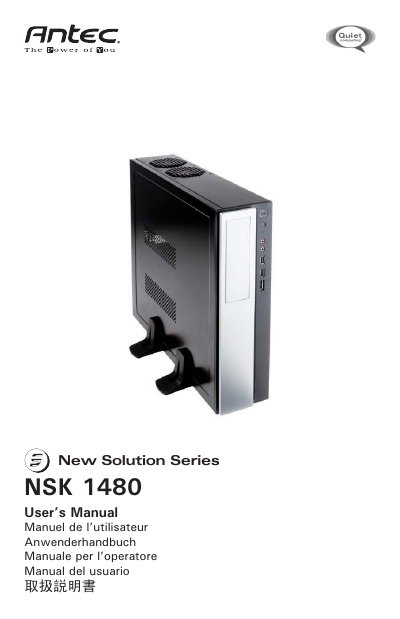
This Antec NSK 1480 User’s Manual describes the New Solution Series Quiet Desktop Slim Case, including its 350-Watt power supply, rubber pads and stands, setup steps, and dual chamber structure.
The manual then covers motherboard installation; power, LED, USB, audio, and eSATA connections; hard disk drive and 5.25” device installation; and the cooling system. Cooling sections cover the preinstalled 80 mm TriCool fans, upper and rear air intakes, CPU Air Guide, and power supply air intake.
| Power supply wattage | 350-Watt |
|---|---|
| Power supply input | Universal input and active PFC |
| Power rails | Dual 12V output rails |
| Power supply certification | 80 PLUS® Certification |
| Preinstalled fans | Three 80mm TriCool fans |
| Fan size | 80 x 80 x 25.4mm |
| Fan rated voltage | 12V |
| Fan operating voltage | 10.2V ~ 13.8V |
| Fan speed switch | Quiet, performance, or maximum cooling |
| Minimum fan starting voltage | 5V |
It comes with a 350-Watt power supply with universal input, active PFC, dual 12V output rails, and 80 PLUS® Certification.
Place the case onto the stands with the optical drive bay at the top, and make sure the stands do not block the two air intakes on the bottom.
Three 80mm TriCool fans are preinstalled: two exhaust fans next to the CPU and one intake fan in the HDD chamber.
The default setting is Low, which the manual recommends to maximize quiet computing.