
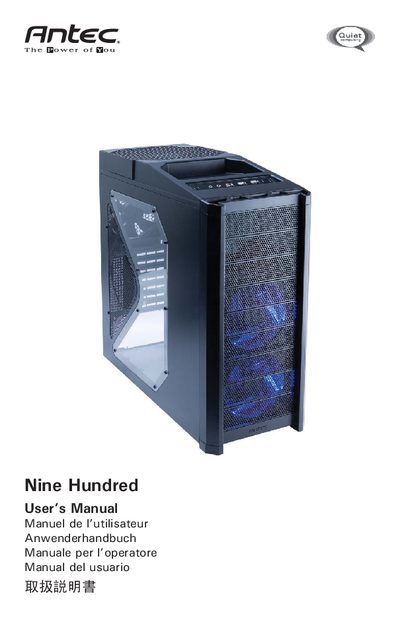
This manual explains how to set up the Antec Nine Hundred gaming case, which does not include a power supply and recommends compatible ATX power supplies. It covers safety precautions, the top storage area, and basic handling of the case panels and thumbscrews.
Detailed instructions cover motherboard and power‑supply installation, front‑panel connector wiring, drive‑bay configurations, cooling system fans, and optional fan mounts. The guide also lists part numbers for accessories such as the IEEE‑1394 adapter and graphics‑card support bracket.
| 200mm fan size | 200 x 30mm |
|---|---|
| 200mm fan rated voltage | 12V DC |
| 120mm fan size | 120 x 25mm |
| 120mm fan rated voltage | 12V DC |
No, the Nine Hundred comes without a power supply; you must choose a compatible ATX power supply.
The case provides nine external 5.25" drive bays at the front, with two internal HDD cages occupying six of them.
No, there is no power LED; three case fans turn on when power is applied.