
This document is the Nine Hundred Two user manual, introducing the hardware installation guide and cooling system introduction of the Nine Hundred Two chassis
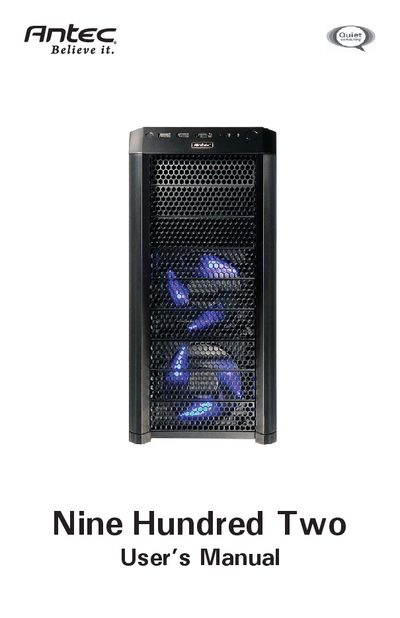
This manual covers the hardware installation process for the Antec Nine Hundred Two computer case, including power‑supply mounting, motherboard placement, drive‑bay configuration, and cable management. It also details optional cooling options, water‑cooling platform preparation, and three‑way NVIDIA SLI support.
Additional sections explain how to clean the washable air filters, connect front I/O ports, and provide safety and warranty notices. The document is intended for end‑users assembling a PC in the Nine Hundred Two enclosure.
| Dimensions | 19.3" (H) x 8.7" (W) x 18.5" (D) |
|---|---|
| Weight | 26.4 lbs / 11.5 kg |
| Fans Included | 1 x Top 200mm TriCool™ Blue LED, 2 x Front 120mm Blue LED, 1 x Rear 120mm TriCool™ Blue LED |
| Drive Bays | Up to 9 external 5.25" bays, up to 6 internal 3.5" bays |
| Expansion Slots | 8 slots (supports three‑way NVIDIA SLI) |
| Supported Motherboard Sizes | Mini‑ITX, microATX, Standard ATX |
| Front I/O Panel | 2 x USB 2.0, 1 x eSATA, AC’97/HD Audio In and Out |
No, the Nine Hundred Two comes without a power supply; you must install a compatible unit yourself.
The case provides up to nine external 5.25" drive bays and up to six internal 3.5" drive bays.
Use Antec 120mm TriCool™ fans set to Low speed, installed to blow air into the case.