
This document is about the user manual of Antec Six Hundred case, which mainly introduces the assembly method of the case, hardware installation method, cooling system, front I/O interface and other contents.
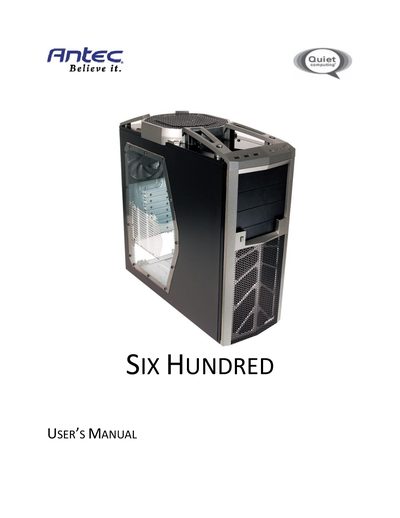
This manual guides users through the assembly and configuration of the Antec Six Hundred gaming mid‑tower case. It includes safety warnings, hardware installation steps, and maintenance tips such as filter cleaning.
The document covers case specifications, power‑supply mounting, cable management, motherboard and drive installation, cooling fan options, and removable front‑air filter procedures, ending with customer‑support contact information.
| Case Type | Gaming Mid Tower |
|---|---|
| Color | Two Tone (Black/Gunmetal Gray) |
| Dimensions | 211.6mm (W) x 492mm (D) x 491mm (H) |
| Weight | 6.9kg / 15.3 lb |
| Cooling Fans | 1x rear 120mm TwoCool blue LED, 1x top 200mm TriCool blue LED, optional front 120mm fans |
| Drive Bays | 10 total: 3x external 5.25", 1x external front‑loaded hot‑swap 3.5" SATA, 6x internal 3.5" |
| Expansion Slots | 7 |
| Motherboard Size Support | Mini‑ITX, microATX, Standard ATX |
| Front I/O Ports | 3 x USB 2.0, AC’97 / HD Audio In and Out |
No, the Six Hundred does not come with a power supply unit (PSU).
The case provides ten drive bays: three external 5.25" bays, one external front‑loaded hot‑swap 3.5" SATA bay, and six internal 3.5" bays.
It includes one rear 120mm TwoCool blue LED fan and one top 200mm TriCool blue LED fan, with optional front 120mm fan mounts.