
This is a user manual for Antec twelve hundred case, which introduces the features and installation method of the case
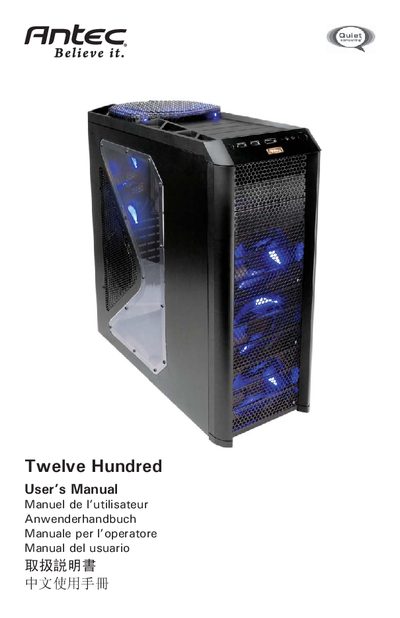
This manual covers the basic steps to set up the Twelve Hundred case, including removing side panels, installing the motherboard, power supply, and drive bays. It also details cable management, fan control, and optional water‑cooling installation.
Additional sections describe the Flexi Drive Bay system, front and rear TriCool™ LED fans, side air filter maintenance, and contact information for Antec customer support.
| 200mm fan size | 200 x 30 mm |
|---|---|
| 200mm fan rated voltage | 12 V DC |
| 200mm fan operating voltage | 10.8 V ~ 13.2 V |
| 200mm fan high speed airflow | 3.80 m³/min |
| 120mm fan size | 120 x 25 mm |
| 120mm fan rated voltage | 12 V DC |
| 120mm fan operating voltage | 10.2 V ~ 13.8 V |
| 120mm fan high speed airflow | 2.24 m³/min |
No, the Twelve Hundred comes without a power supply; users must install a compatible ATX power supply themselves.
The case provides twelve external 5.25" drive bays at the front.