
Three Hundred User's Manual introduces the features and usage methods of Antec Three Hundred case
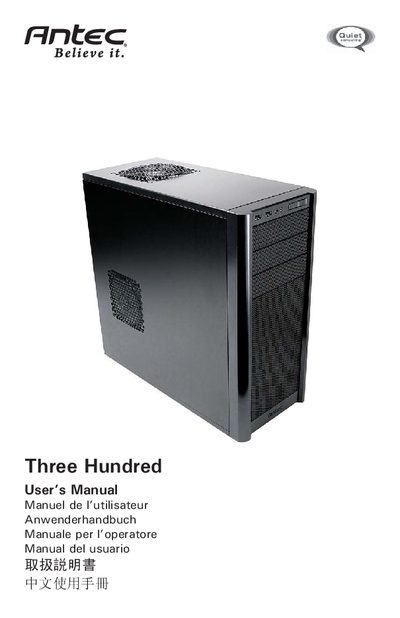
This manual guides you through preparing the Antec Three Hundred case, installing the motherboard, power supply, drives and optional fans, and connecting front‑panel connectors. It also covers cable management, air‑filter maintenance and safety precautions.
Detailed sections describe the rear and top TriCool™ fans, optional fan mounts, and how to install external devices and 3.5" hard drives. Contact information for Antec support is provided at the end.
| Rear Exhaust TriCool fan size | 120 x 25 mm |
|---|---|
| Rear Exhaust TriCool fan rated voltage | 12V DC |
| Rear Exhaust TriCool fan operating voltage | 10.2V ~ 13.8V |
| Rear Exhaust TriCool fan high speed | 20000 RPM |
| Top Exhaust TriCool fan size | 140 x 140 x 25.4 mm |
| Top Exhaust TriCool fan rated voltage | 12V DC |
No, the Three Hundred case is sold without a power supply.
Up to six hard drives can be installed in the Three Hundred case.