
This manual is the user's guide for Antec's Computer Enclosures, providing information on the features and precautions of the Nine Hundred gaming case.
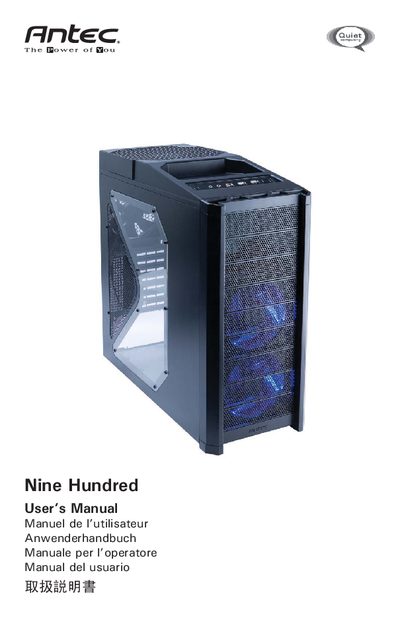
This manual covers the initial setup of the Nine Hundred gaming case, including how to place the case, remove side panels, and prepare the internal layout. It also details the installation of the power supply, motherboard, drive bays, and optional components such as graphics‑card support brackets and additional fans.
Further sections explain the front‑panel connectors (USB, audio, IEEE 1394), the flexible drive‑bay system, cooling fan specifications, and optional fan mounts. Contact information for Antec support and warranty details are provided at the end of the document.
| 200mm fan size | 200 x 30mm |
|---|---|
| 200mm fan rated voltage | 12V DC |
| 120mm fan size | 120 x 25mm |
| 120mm fan rated voltage | 12V DC |
No, there is no Power LED in this case; the three case fans turn on when power is applied.
A FireWire Internal Adapter (part number 30031) is required to connect the front port to an external‑type connector.
The case provides nine external 5.25" drive bays, with two HDD cages preinstalled occupying six of them.