
This is the user manual for Antec NSK 1380 Micro ATX Cube Case, it introduces the features of the product
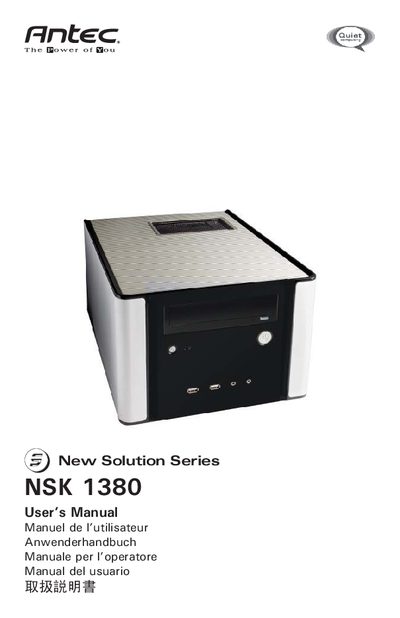
This manual covers the New Solution Series NSK 1380 Micro ATX Cube Case, describing its features such as the included 350‑Watt power supply with 80 PLUS certification, a quiet 120 mm low‑speed fan, and protective circuitry. It also outlines safety precautions and general handling of the case.
Detailed instructions guide you through removing panels, installing the motherboard, connecting power, USB, and audio connectors, and mounting hard drives in the flip‑up drive cage. The guide includes pin‑out diagrams, drive‑bay specifications, and required clearance for proper airflow.
| Power Supply Wattage | 350 W |
|---|---|
| Power Supply Certification | 80 PLUS® |
| Power Supply Input | Universal input, active PFC |
| Power Supply Standard | ATX12V version 2.01 |
| Power Supply Fan | 120 mm low‑speed fan |
| Protection Circuits | OPP, OVP, UVP, SCP |
| Drive Bays | 1 × 5.25" external, 3 × 3.5" internal |
| Top Clearance | ≥ 1" (2.5 cm) |
The case includes a 350‑Watt power supply with universal input, active PFC, ATX12V version 2.01 compliance, and 80 PLUS certification.
It provides one external 5.25" bay and three internal 3.5" bays for hard drives.
Leave at least 1 inch (2.5 cm) of space above the top of the case.