
Nine Hundred Two user manual introduces the case specifications, hardware installation, I/O port installation, cooling system, etc.
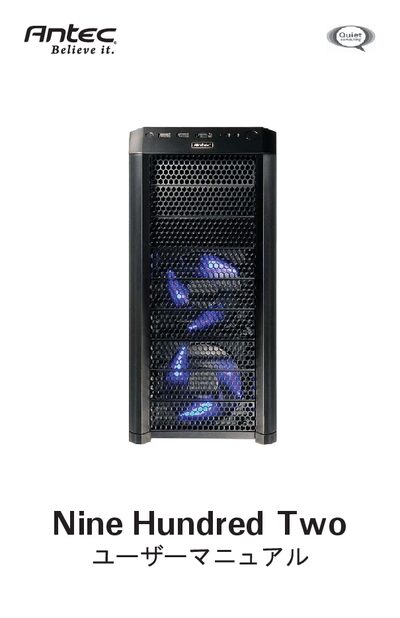
This manual covers the complete hardware installation process for the Antec Nine Hundred Two computer case, including case setup, power‑supply mounting, motherboard installation, drive‑bay configuration, and cable management. Detailed safety notes and warranty information are also included.
Additional sections describe the case's cooling system, front and rear I/O ports, fan specifications, and optional accessories such as water‑cooling platforms and 3‑way NVIDIA SLI configurations. This manual is written in Japanese.
| Dimensions | 19.3" (H) x 8.7" (W) x 18.5" (D) |
|---|---|
| Weight | 25.4 lbs / 11.5 kg |
| Drive bays | 9 external 5.25", 6 internal 3.5", 1 external 3.5" |
| Expansion slots | 8 slots (supports 3‑way NVIDIA SLI) |
| Supported motherboard sizes | Mini‑ITX, Micro‑ATX, Standard ATX |
| Front I/O panel | 2 x USB 2.0, 1 x eSATA, AC’97/HD audio |
| Top fan | 200 mm TriCool™ Blue LED fan, 12 V, 3 speeds |
| Front/Rear fans | 120 mm TriCool™ Blue LED fans, 12 V, 3 speeds |
It provides up to nine external 5.25" drive bays.
Mini‑ITX, Micro‑ATX, and standard ATX motherboards are supported.
The case weighs 25.4 lb (11.5 kg).