
Antec Twelve Hundred Gaming Case User Manual

This manual introduces the use of Twelve Hundred products
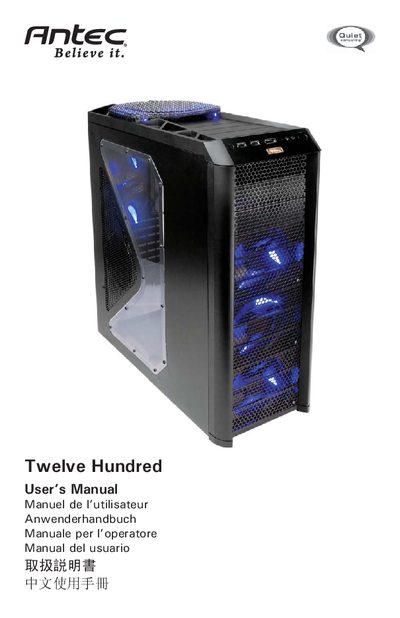

Antec Twelve Hundred Gaming Case User Manual - cover page
Brand
Antec
Category
Other
Document type
User Manual
Language
English
Pages
11
File format
PDF
File size
313 KB
Published
14 March, 2012
Updated
30 September, 2023
MD5 checksum
47D4D84039AA17C0180EECC4C25FDC76

About this manual

This manual guides users through setting up the Antec Twelve Hundred gaming case, including installing the motherboard, power supply, and connecting front panel ports. It also covers installing 3.5" and 5.25" drives, managing cables, and using the included cooling fan. The case comes without a power supply and includes a flexible drive bay system for customizable configurations.

What's inside

  • Setting Up
  • Installing the Motherboard
  • Installing the Power Supply
  • Connecting the Ports and LEDs
  • Connecting the USB Ports
  • Connecting the eSATA Port
  • Connecting the Audio Ports
  • Flexi Drive Bay System
  • External 5.25” Device Installation
  • 3.5” Hard Drive Installation

Frequently asked questions

Does the Twelve Hundred come with a power supply?

No, the Twelve Hundred comes without a power supply. You must choose a compatible one.

Can I install a water cooling system?

Yes, you may need to run tubing outside the case through hose ports with rubber grommets on the back.

What is the default fan speed setting?

The default fan speed setting is Low.

Download PDF (313 KB)

More Antec Manuals


View all Antec manuals →