
This document is the user manual for the NSK 1480 new solution series, describing the features and characteristics of the product.
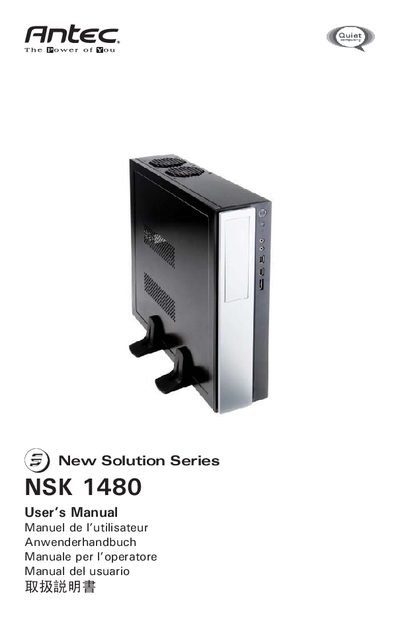
This manual covers the Antec NSK 1480 computer enclosure, describing its dual‑chamber design, built‑in 350 W 80 PLUS power supply, and pre‑installed TriCool fans. It guides users through positioning the case, installing the motherboard, connecting power, USB, audio, and eSATA ports, and mounting hard drives and 5.25" devices.
Additional sections explain the rubber pads and stands, fan speed settings, airflow intake locations, and safety precautions. Contact information for Antec support in the US, Canada, and Europe is provided at the end of the document.
| Power Supply Wattage | 350 W |
|---|---|
| Power Supply Certification | 80 PLUS |
| Power Supply Protective Features | OPP, OVP, UVP, SCP |
| Fan Size | 80 mm × 80 mm × 25.4 mm |
| Fan Rated Voltage | 12 V |
| Fan Operating Voltage | 10.2 V – 13.8 V |