
This manual introduces the use of New Solution Series NSK2480
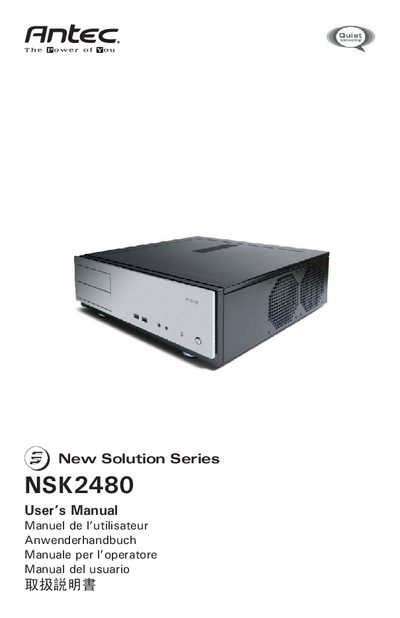
The NSK2480 is a quiet desktop computer case from Antec’s New Solution Series. It features a triple‑chamber design that isolates the power supply, motherboard, and hard‑drive bays for reduced heat and noise. The case ships with an EarthWatts 380 W ATX12V 2.2 power supply and two pre‑installed 120 mm TriCool fans.
This manual walks you through placing the case, removing the top panel, installing the motherboard, connecting power and LEDs, mounting hard drives and 5.25" devices, and configuring the cooling system. It also details airflow paths, fan speed settings, and the 80 PLUS certification of the included power supply.
| Power Supply Wattage | 380 W |
|---|---|
| Power Supply Standard | ATX12V version 2.2 |
| Fan Size | 120 mm |
| Dimensions (Fan) | 120 x 120 x 25.4 mm |
| Rated Voltage (Fan) | DC 12 V |
| Operating Voltage (Fan) | 10.2 V ~ 13.8 V |
The case comes with two 120 mm TriCool fans pre‑installed next to the CPU.
The default fan speed is Low, which is recommended for quiet computing.