
This manual introduces the operation methods and precautions of Three Hundred (30).
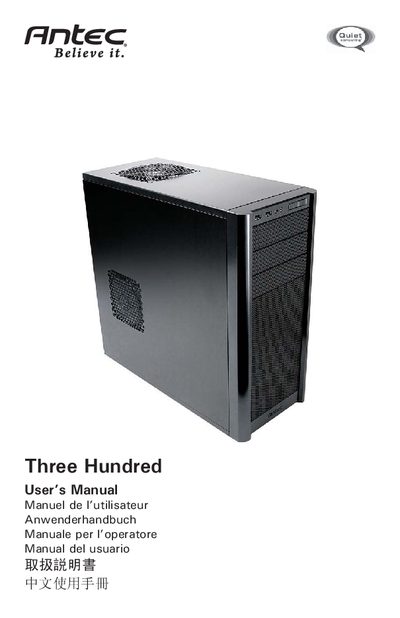
This manual explains how to safely set up the Antec Three Hundred gaming case, including side‑panel removal, front‑bezel removal, and general safety precautions. It also covers power‑supply mounting, motherboard installation, and cable‑management guidelines.
Additional sections describe the built‑in cooling system, optional fan mounts, and how to clean and maintain the front air filter. Contact information for Antec support and warranty details are provided at the end of the document. This manual is written in Japanese.
| Rear fan size | 120 x 25 mm |
|---|---|
| Rear fan rated voltage | 12 V DC |
| Rear fan speed (High) | 2000 RPM |
| Rear fan speed (Medium) | 1600 RPM |
| Front fan size | 140 x 140 x 25.4 mm |
| Front fan rated voltage | 12 V DC |
Unscrew the hand‑turn screws on the side panel, then slide the panel toward you to open the case.
It is recommended to check and clean the filter about once a month, or more frequently if the system runs continuously.
Yes, the case includes three optional 120 mm fan mounts—one on the side panel and two in the front fan cage—for added intake airflow.