
This is a user manual for Antec NSK2480 Quiet Desktop Case. This document introduces the features and usage of the case.
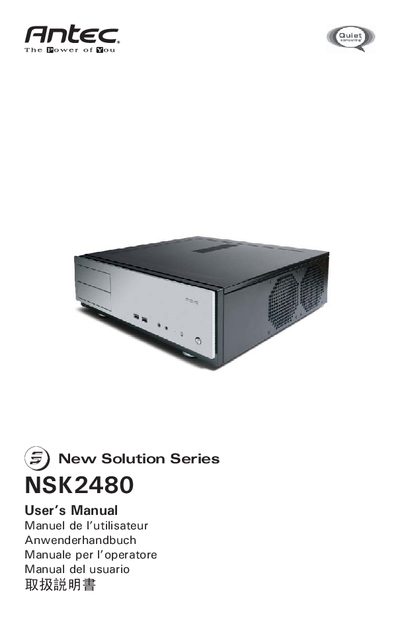
The Antec NSK2480 Quiet Desktop Case features a Triple Chamber structure designed to isolate heat and noise, resulting in quieter and cooler operation. It includes an EarthWatts 380 Watt power supply that follows the ATX12V version 2.2 specification and includes dual +12V output rails for safer and more reliable output to system components. The case also features preinstalled 120mm TriCool fans and various air intake vents to ensure proper cooling.
| Power Supply Standard | ATX12V version 2.2 |
|---|---|
| Fan Size | 120mm |
| Fan Rated Voltage | DC 12V |
| Fan Operating Voltage | 10.2V ~ 13.8V |
| Fan High Speed Air Flow | 2.24 m³ / min (79 CFM) |
| Fan High Speed Acoustical Noise | 30 dBA |
The power supply follows the ATX12V version 2.2 specification.
The HDD chamber can hold two hard drives using the provided bracket.
The minimum voltage to start the fan is 5V.