
This manual describes the operation of the New Solution Series NSK 1380.
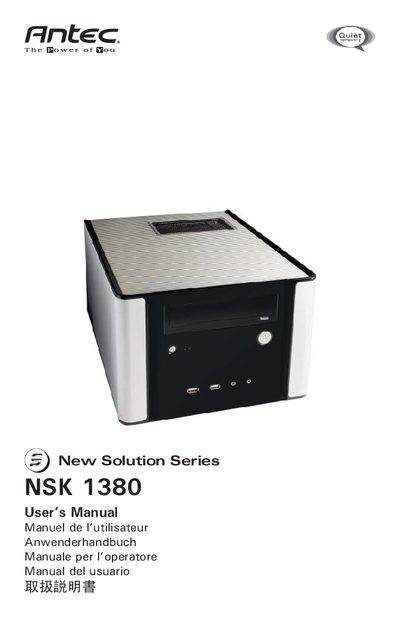
The NSK 1380 is a New Solution Series micro ATX cube case that includes a 350‑Watt 80 PLUS® certified power supply, a quiet 120 mm low‑speed fan, and multiple drive bays. The case features a rapid‑release flip‑up drive cage, top vents for airflow, and protective circuitry such as OPP, OVP, UVP, and SCP.
This manual covers unpacking, side‑panel removal, motherboard installation, power‑ and LED‑connector wiring, USB and audio port connections, hard‑drive mounting procedures, and recommended clearance for the top vent. It also provides safety notes and contact information for Antec support.
| Power Supply Wattage | 350 W |
|---|---|
| Power Supply Certification | 80 PLUS® |
| Fan Size | 120 mm low‑speed fan |
| Power Supply Standard | ATX12V version 2.01 |
| Drive Bays | 1 × 5.25" external, 3 × 3.5" internal |
The case includes a 350‑Watt 80 PLUS® certified power supply that meets ATX12V version 2.01 specifications and features a quiet 120 mm low‑speed fan.
It provides one external 5.25" bay and up to three internal 3.5" bays for hard‑drive installation.
Leave at least 1" (2.5 cm) between the top of the case and any object that could block airflow.