
Sonata Elite is a case designed with Quiet Computing™ technology, featuring a sturdy steel construction, dual-layer steel and polycarbonate noise-reducing side and top panels, multiple compartments for motherboard and HDD, unique HDD mounting system, dedicated air intake vents and HDD compartments for optimal cooling and noise reduction.
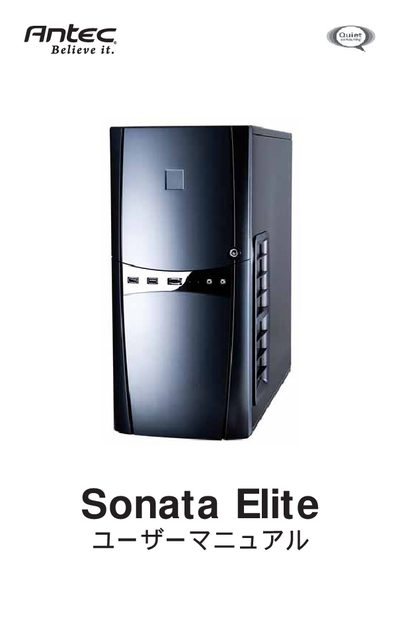
This manual covers the features, safety precautions, and specifications of the Antec Sonata Elite quiet mini‑tower case. It explains the case’s steel construction, noise‑reducing dual‑layer panels, and built‑in cable management system.
The guide walks users through hardware installation, including motherboard mounting, power‑supply placement, drive‑bay mounting, I/O port connections, cooling fan setup, and filter cleaning. It also provides wiring diagrams for USB, eSATA, and HD‑Audio ports, as well as instructions for the rear power and reset switches. This manual is written in Japanese.
| Dimensions | 48.1 cm × 20.5 cm × 44 cm (18.9 D × 8.1 B × 17.3 P) |
|---|---|
| Weight | 9.8 kg (21.6 lb) |
| Drive bays | 3 × 5.25" external, 4 × 3.5" internal, 1 × 5.25" external bracket (optional) |
| Supported motherboard sizes | Mini‑ITX, Micro‑ATX, Standard ATX |
| Rear fan | 120 mm TriCool fan |
| Front blower | 120 mm slot blower (3‑speed) |
No, the Sonata Elite case does not include a power supply; users must select a compatible ATX power supply.
The case provides three external 5.25" bays, four internal 3.5" bays, and one optional external 5.25" bracket.
Remove the center grill, take out the filter from the intake, wash it as needed, and reinstall it.