
This is the user manual of Antec Sonata III 500 case, which introduces the features and usage methods of the case.
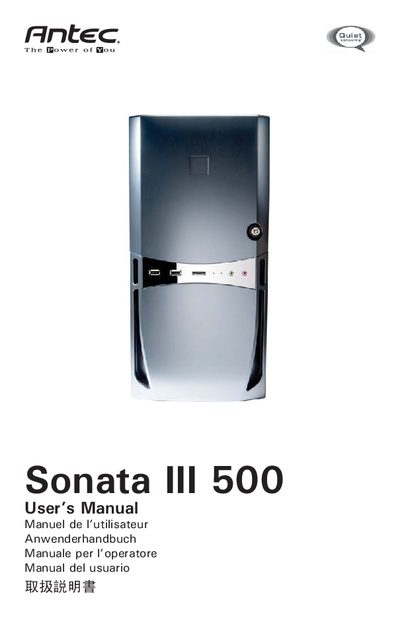
The Sonata III 500 is a computer enclosure that includes a 500 W EarthWatts™ power supply, a pre‑installed 120 mm TriCool fan, and a washable front air filter. The manual explains the case layout, power‑switch operation, and the protective circuitry of the PSU.
Detailed sections cover positioning the case, installing the motherboard, connecting power, USB, eSATA, and audio ports, mounting 3.5" and 5.25" drives, configuring the rear and optional front fans, and maintaining the washable air filter. Contact information for Antec support in the US and Europe is also provided.
| Size | 120 x 120 x 25.4 mm |
|---|---|
| Rated Voltage | DC 12V |
| Operating Voltage | 10.2V ~ 13.8V |
| Fan High Speed Current | 0.24 A |
| Fan Medium Speed Current | 0.24 A |
| Fan Low Speed Current | 0.134 A |
Set the main power switch on the power supply to the ON (I) position before booting the computer.
The manual recommends checking and washing the filter at least once a month initially, with frequency adjusted based on usage and environment.