
This manual introduces the features and characteristics of Antec Sonata Solo, Sonata Solo White, Designer 500 and Plus 550 cases. These cases are designed with Quiet Computing™ in mind and feature many unique design features that help to reduce noise and provide good cooling performance.
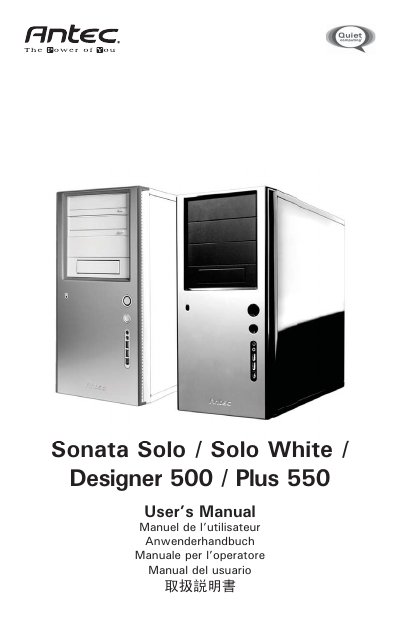
The Sonata series cases are built for Quiet Computing™ with a solid steel structure, dual‑layer panels, and a 120 mm TriCool™ rear fan. Features include a dual hard‑drive mounting system, built‑in cable organizer, and optional front 92 mm fans for spot cooling.
The manual walks you through placing the case upright, removing side panels, installing the motherboard, connecting front I/O, power‑supply wiring, and hard‑drive mounting options (tray or suspension). It also covers power‑supply specifics for the EarthWatts 500 (Designer 500) and NeoPower 550 (Plus 550) units, fan operation, and cable‑management tips.
| Case dimensions | 120 x 120 x 25.4 mm |
|---|---|
| Rated voltage | DC 12 V |
| Operating voltage range | 10.2 V ~ 13.8 V |
The Sonata Designer 500 comes with the environmentally friendly EarthWatts 500 power supply unit (PSU).
The Sonata Plus 550 is equipped with the NeoPower 550 PSU, which supports the ATX12V 2.2 specification and includes universal input with active PFC.
Open the front bezel, remove the drive tray, place the hard drive onto the silicon grommets, secure it with the special screws, then re‑install the tray and connect the appropriate power connector.
The fan will start at a minimum voltage of 5 V.