
Key facts
- Brand
- Yamaha
- Model
- AXR4
- Documents
- 3
- Languages
- ZH · JA
- Last added
- 2023-10-29
Start here
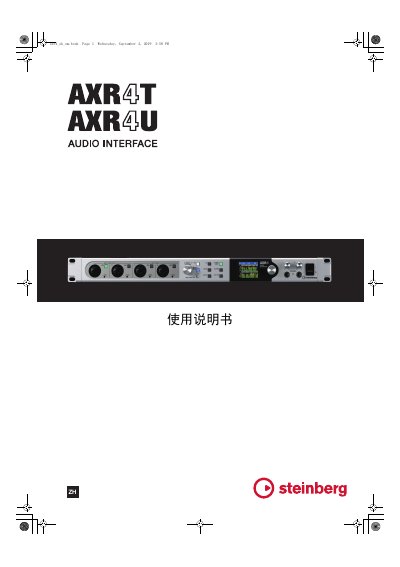
Yamaha AXR4 Audio Interface User Manual
The Yamaha AXR4 is a professional audio interface designed for use with Cubase software. This document serves as the user guide for the device, detailing its physical layout, connection methods, and operational procedures.
The manual covers essential topics including system setup, monitor configuration, channel settings, and the operation of the built-in mixer. It also provides instructions for installing the necessary Yamaha Steinberg Thunderbolt and USB drivers to ensure compatibility with various operating systems. This manual is written in Japanese.
All Yamaha AXR4 documents by type
Day-to-day operation, settings and troubleshooting. Start here if the product is already set up.
Questions answered in these manuals
What is included in the package for the Yamaha AXR4?
The package includes the AXR4T or AXR4U, an AC power adapter, the AXR4 manual, a USB 3.0 cable, and printed information about Cubase AI and product license.
What type of power adapter is included with the Yamaha AXR4?
The included AC power adapter is compatible with Yamaha-approved power supplies, including the PA-700.
How do I convert presets from V1.2.X to V2.0.0 or higher?
Use the Preset Converter window, accessible by clicking the icon in the top right of the Sweet Spot Morphing Channel Strip. Select "Yes" to convert, or "Not Now" to skip.
What is the new 3D display in REV-X?
It displays reverb characteristics in three dimensions for better visualization.
What is the maximum sample rate supported by the AXR4?
The AXR4 supports a maximum sample rate of 384 kHz.