
Key facts
- Brand
- SONY
- Model
- WM-GX100
- Documents
- 2
- Languages
- EN
- Last added
- 2011-10-02
Start here
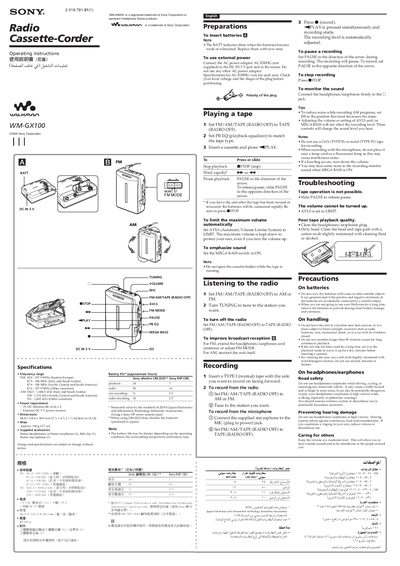
SONY WM-GX100 Manual
The MM‑GX700 is a portable cassette Walkman that plays FM/AM radio, records from tape or microphone, and includes built‑in headphones. This manual explains how to insert batteries, connect external power, and operate the device safely.
Key sections cover specifications, battery life, preparation steps, tape playback, recording procedures, troubleshooting tips, and safety precautions. Users can also find details on accessories, volume limiting, and external power adapters.
SONY WM-GX100 specifications
| FM frequency range | 65.0 – 107.9 MHz |
|---|---|
| Power requirement | 3 V DC batteries (AA) ×2 |
| Dimensions | 88.8 × 118.6 × 380 mm (3.5 × 4.7 × 1.5 in) |
| Mass | Approx. 160 g (5.7 oz) |
| Supplied accessories | Stereo headphones/earphones, belt clip, stereo microphone |
Source: SONY WM-GX100 Manual
All SONY WM-GX100 documents by type
Day-to-day operation, settings and troubleshooting. Start here if the product is already set up.
Questions answered in these manuals
How do I know when the batteries are low?
The BATT indicator dims when the batteries become weak or exhausted.
From: SONY WM-GX100 Manual
How do I connect external power?
Connect the AC‑E30HG power adaptor to the DCIN 3 V jack and to the mains; do not use other adapters.
From: SONY WM-GX100 Manual
How many AA batteries does the WM‑GX100 require?
It uses two AA (R6) batteries, providing 3 V DC power.
How can I limit the maximum volume on the WM‑GX100?
Set the AVLS (Automatic Volume Limiter System) switch to the LIMIT position.