
Key facts
- Brand
- SONY
- Model
- MCX-500
- Category
- Other Electronics
- Industry
- Computers
- Documents
- 2
- Languages
- ZH
- Last added
- 2026-11-14
Start here
Sony MCX-500 Portable Switcher Quick Start Guide
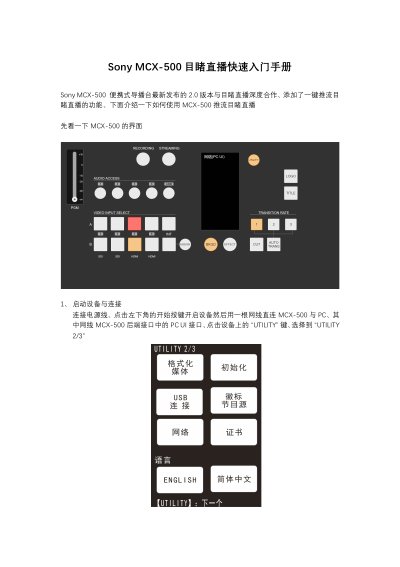
This document is a quick start guide for the Sony MCX-500 portable switcher, specifically detailing the setup for streaming to the Doubu (Mudu) Live platform using the device's version 2.0 firmware. It covers the initial device startup, connecting to a PC for configuration, and setting up network and streaming parameters. This manual is written in Chinese.
Read onlineAll Sony MCX-500 documents by type
The shortest path to a working setup, usually only a few pages.
Day-to-day operation, settings and troubleshooting. Start here if the product is already set up.
Questions answered in these manuals
How do I connect the MCX-500 to a PC for settings?
Connect the device to a PC using a network cable plugged into the PC UI interface on the rear of the MCX-500.
What network mode should be used for PC UI access?
Select the 'Direct Connection' (直连) mode in the network settings to use the network cable for direct PC access.
What is the maximum number of cameras this switcher can handle?
The unit can switch between a maximum of four cameras.
How many lines of audio input does the unit support for mixing?
It supports up to five lines of audio input, including four embedded and one LINE input.