
This is a user manual for SONY DCR-PC5 digital camcorder
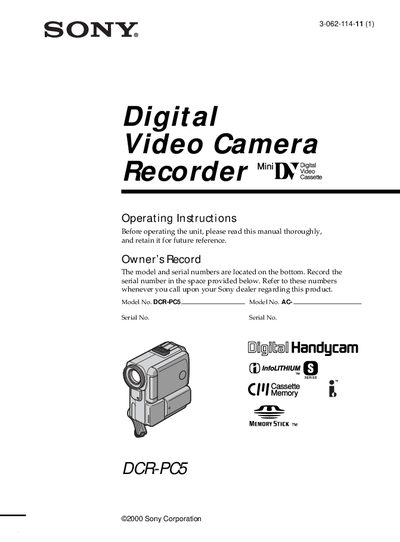
This manual introduces the Sony DCR‑PC5 camcorder, covering safety warnings, supplied accessories, and basic setup steps such as connecting the power supply, inserting a mini‑DV cassette, and using the touch panel. Quick start instructions guide you through powering the camera, recording, and playback.
Later sections detail advanced recording features, memory‑stick operations, editing functions, troubleshooting, and full technical specifications. The guide also includes disposal instructions for the lithium‑ion battery and contact information for Sony service centers.
Set the POWER switch to CAMERA while pressing the small green button, then press START/STOP to begin recording.
Open the cassette compartment, push the cassette back, insert it straight with the window facing out, and close the compartment.
Return the battery to a Sony Service Center or Factory Service Center for proper disposal.