
This document introduces the TM2 series products' functions and features, including product structure, working principles, usage instructions, etc.
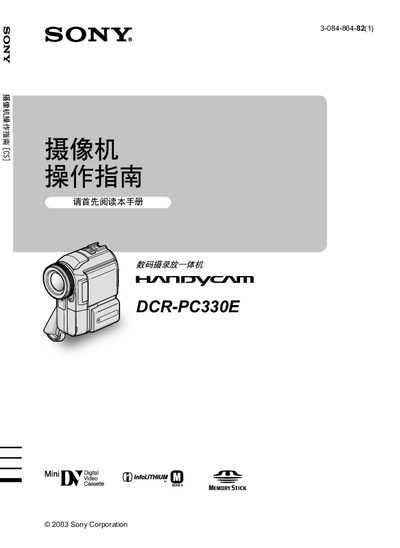
These operating instructions guide users of the Sony DCR‑PC330E camcorder through basic setup, recording functions, and maintenance. Safety warnings are provided to prevent damage to the LCD panel, viewfinder, and internal components.
The manual explains how to use the built‑in Cassette Memory and optional Memory Stick media, connect the device via USB or i.LINK, and adjust settings such as white balance, aspect ratio, and date/time. Quick‑start procedures and additional reference information are included for convenient use. This manual is written in Japanese.
The camcorder supports built‑in Cassette Memory and optional Memory Stick media for recording.
Do not expose the LCD panel to direct sunlight or strong light, and avoid operating the camera in very dark conditions that could cause faults.
It can be connected via USB or i.LINK to transfer data and control the device.