
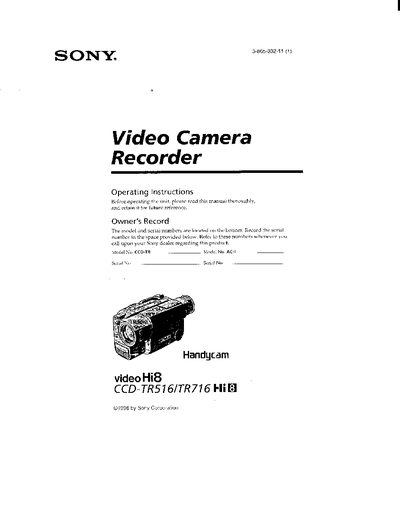
This manual covers the Sony CCD-TR516 and CCD-TR716 Handycam camcorders. It explains how to install and charge the lithium‑ion battery pack, insert cassettes, and use basic recording functions such as zoom, night‑shot, and steady‑shot. Detailed sections describe advanced features like program AE, wide‑mode, and manual focus, as well as how to set the date/time and create title overlays.
Safety warnings, battery‑handling guidelines, and a self‑diagnosis trouble‑check are included. The document also lists specifications for battery life, charging times, and operating temperature limits, helping users get the most out of their camcorder in various environments.
| Battery pack type | NP‑F330 |
|---|---|
| Maximum operating temperature | 140 °F (60 °C) |
| Continuous recording time (normal charge) | 135 min (CCD‑TR516) / 130 min (CCD‑TR716) |
A slow flashing indicator means the battery is weak, while a fast flashing indicator means the battery is dead.
Use the menu system to select the date/time setting and follow the on‑screen prompts to reset the clock.
Do not expose the camcorder to temperatures above 140 °F (60 °C) as it may cause malfunction.