
Key facts
- Brand
- Samsung
- Model
- LA46N7
- Category
- Television
- Industry
- Appliances
- Documents
- 2
- Languages
- EN · ZH
- Last added
- 2011-11-06
Start here
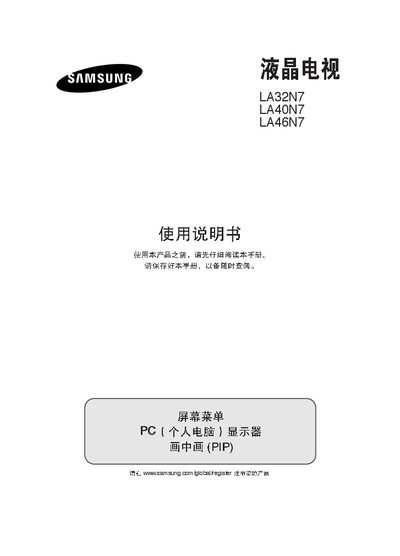
Samsung LA32N7/LA40N7/LA46N7 User Manual
This manual covers the Samsung LA32N7, LA40N7 and LA46N7 liquid‑crystal televisions. It guides users through unpacking, installing the TV on a stand or wall, connecting external devices, and using the remote control.
Key sections include picture and audio settings, HDMI and component video connections, picture‑in‑picture operation, troubleshooting tips, and safety warnings such as how to avoid image burn‑in. This manual is written in Chinese.
Samsung LA46N7 specifications
| Power Consumption (LA46N7) | 275W |
|---|---|
| Power Consumption (LA40N7) | 210W |
| Power Consumption (LA32N7) | 155W |
| Resolution | 1366 x 768 |
| Brightness | 400cd/m2 |
All Samsung LA46N7 documents by type
Day-to-day operation, settings and troubleshooting. Start here if the product is already set up.
Questions answered in these manuals
What are the dimensions of the LA32N7 model?
The LA32N7 dimensions are 803 x 88 x 539 mm and 803 x 252 x 578 mm.
How do I install the TV on a wall?
Use the optional wall‑mount kit, follow the supplied installation instructions, and have a technician assist with the mounting.
What batteries does the remote control use and how are they installed?
Insert two AAA batteries, observing the correct polarity as shown in the battery compartment diagram.