
This document describes the usage of Samsung digital camera, including installing camera driver, connecting camera to computer, taking photos, etc. It also reminds users to pay attention to safety when using the camera to avoid potential risks of personal injury or camera damage.
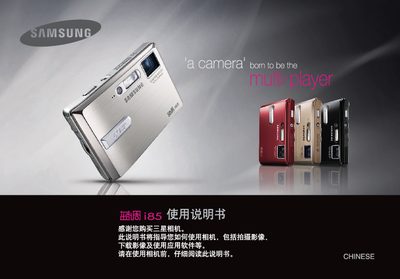
This manual introduces the Samsung i85 digital camera, covering safety warnings, driver installation, battery handling, and basic operation steps. It explains how to install the camera driver from the supplied CD, connect the camera via the USB cable, and prepare the device for use.
The guide details the camera’s shooting modes, button functions, playback features, and optional functions such as PictBridge printing and MP3 playback. It also includes information on battery care, power management, and troubleshooting common issues. This manual is written in Chinese.
| Supported storage cards | SD, SDHC, MMC |
|---|---|
| Power adapter | AC adapter (SAC-46) |