
Key facts
- Brand
- Polycom
- Model
- SoundStation2
- Documents
- 10
- Languages
- EN · ZH
- Last added
- 2026-10-31
Start here
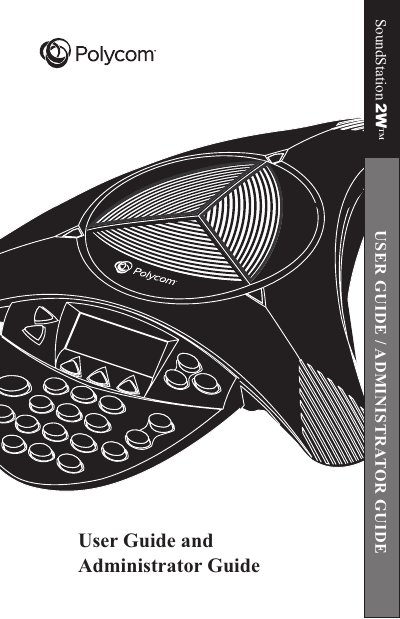
Polycom SoundStation2W™ User Guide and Administrator Guide
This guide provides step-by-step instructions for setting up, using, and administering the Polycom SoundStation2W™ wireless conference phone. It covers safety precautions, features like LED indicators and mobile phone mode, call operations, and administrative setup including passcodes and diagnostics. The guide also includes troubleshooting tips and warranty information.
The device supports wireless technology, voice encryption, and can be used with analog phone lines or terminal adapters. It offers up to 24 hours of talk time and is designed for team collaboration in rooms without phone lines.
Polycom SoundStation2 specifications
| Talk Time | up to 24 hours |
|---|---|
| Wireless Technology | 2.4 GHz (WDCT), 1.8 GHz (DECT), 1.9 GHz (DECT 6.0) |
| Voice Encryption | Supported |
Source: Polycom SoundStation2W™ User Guide and Administrator Guide
All Polycom SoundStation2 documents by type
Day-to-day operation, settings and troubleshooting. Start here if the product is already set up.
Questions answered in these manuals
How do I set up the SoundStation2W™?
Connect the base station to power and an analog phone line, install the battery, and wait for the phone to register to the base station. Charge the console for a full cycle before first use.
From: Polycom SoundStation2W™ User Guide and Administrator Guide
What does the green LED indicate?
The green LED indicates that your call is in progress.
From: Polycom SoundStation2W™ User Guide and Administrator Guide
What does a green LED indicator mean on the SoundStation2 console?
Green means your call is in progress.
From: Polycom SoundStation2 Console Parts List and Instructions
What does a red LED indicator mean on the SoundStation2 console?
Red means your call is muted.
From: Polycom SoundStation2 Console Parts List and Instructions
What is the SoundStation2 and where is it intended to be used?
It is an entry-level conference phone for small to medium conference rooms and offices.
How many entries can the built-in phonebook and speed dial list retain?
Up to 25 entries.