
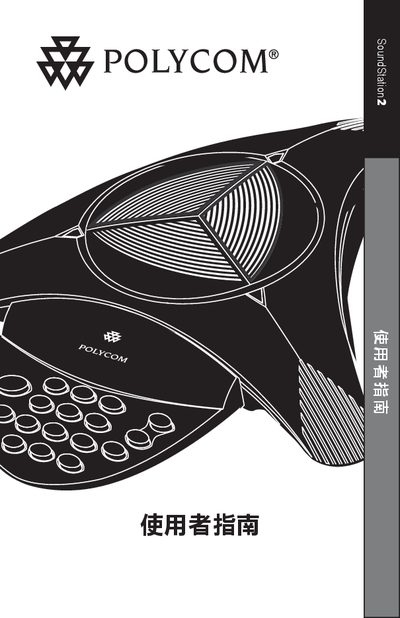
This guide begins with essential safety precautions, warning users to keep the device away from water, lightning, and foreign objects, and to follow local wiring regulations. It also explains how to install the SoundStation2, including proper placement of power outlets and connection of telephone lines.
The manual then describes the device’s controls—LED indicators, buttons, volume adjustments, and call functions such as new call, add call, mute, and end call. It includes troubleshooting tips, warranty information, and regulatory compliance details for FCC, Canadian, and other markets. This manual is written in Chinese.
Do not expose the device to water, avoid using it during thunderstorms, and never insert foreign objects or liquids into the phone.
A green LED means a call is in progress, while a red LED indicates the call has ended.
Technical support is available at the Polycom website: http://www.polycom.com/support.