
SoundStation2 User Guide and Administrator Guide, provides users with safety information that needs to be noted when using SoundStation2, as well as basic SoundStation2 functions, usage methods, troubleshooting, etc.
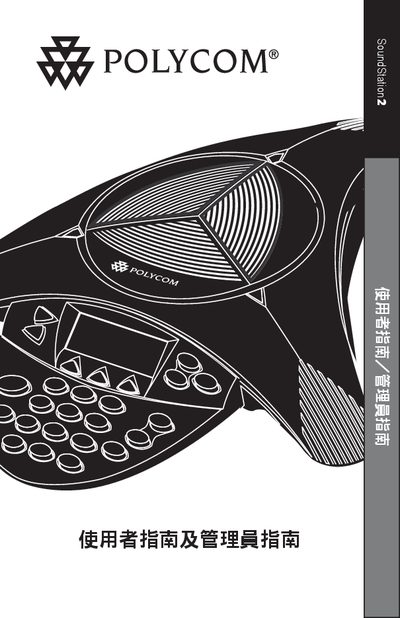
This guide begins with important safety precautions for the SoundStation2, such as keeping the device away from water, avoiding use during thunderstorms, and not inserting foreign objects into the ports. It also outlines proper installation practices, including wiring rules and placement of power outlets.
The manual then describes everyday operation, including the LCD back‑light display, LED status indicators, language selection (English, Spanish, Brazilian Portuguese), and how to recognize the Ready status when the phone powers on. Parts lists, wiring diagrams, and warranty information are also included. This manual is written in Chinese.
Do not use the device in water, showers, or while it is wet, keep it away from thunderstorms, and never insert foreign objects into the ports.
The device supports English, Spanish and Brazilian Portuguese for the on‑screen language.