
Key facts
Start here
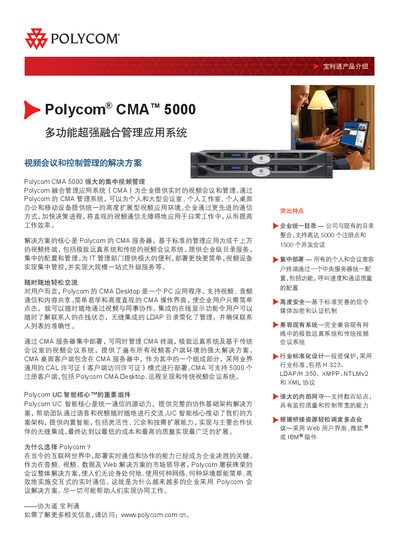
Polycom CMA 5000 Application System Manual
This manual describes the Polycom CMA 5000 unified video‑conferencing management solution. It explains how the system centralizes control of up to 5,000 registered clients, supports both traditional and high‑definition video endpoints, and integrates with LDAP directories and other enterprise services.
The document also lists detailed hardware dimensions, environmental limits, power options, and software prerequisites such as supported operating systems and network protocols, helping IT administrators plan, install, and maintain the CMA platform. This manual is written in Chinese.
Polycom CMA 5000 specifications
| Form factor | Standard 1U rack‑mount chassis |
|---|---|
| Maximum weight | 15.87 kg |
| Memory | 4 GB 667 MHz or higher |
| Hard drive | 2 × 72 GB 15,000 rpm drives in RAID‑1 |
| Network interfaces | 4 × 10/100/1000 Mbps Ethernet ports |
| Operating temperature | 10 °C to 35 °C |
| Storage temperature | -40 °C to 65 °C |
All Polycom CMA 5000 documents by type
Day-to-day operation, settings and troubleshooting. Start here if the product is already set up.
Mounting, wiring and first power-up. Read it before the hardware goes in.
Questions answered in these manuals
How many users can the Polycom CMA 5000 support?
The CMA 5000 can support from 500 up to 5,000 registered users depending on the licensed capacity.
Which network protocols does the CMA system use?
It uses standard protocols such as H.323, LDAP/H.350, XMPP, HTTPS, XML configuration, and TLS for media encryption.
What is the default IP address for the CMA 5000 server?
The default IP address is 192.168.1.254.
Which hardware server is used in the CMA 5000 system?
The system uses a Dell PowerEdge 1950 server.