
Key facts
Start here
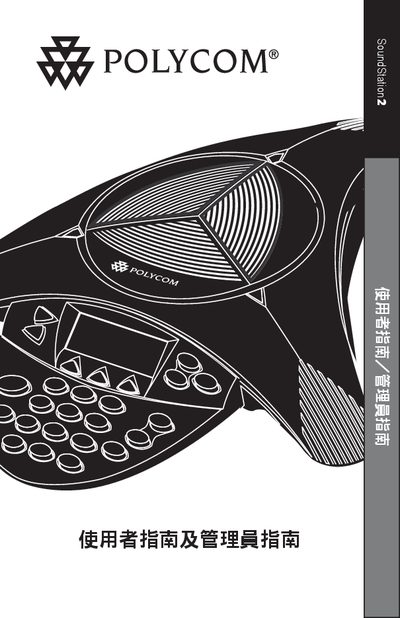
Polycom SoundStation2 User Manual
This guide begins with important safety precautions for the SoundStation2, such as keeping the device away from water, avoiding use during thunderstorms, and not inserting foreign objects into the ports. It also outlines proper installation practices, including wiring rules and placement of power outlets.
The manual then describes everyday operation, including the LCD back‑light display, LED status indicators, language selection (English, Spanish, Brazilian Portuguese), and how to recognize the Ready status when the phone powers on. Parts lists, wiring diagrams, and warranty information are also included. This manual is written in Chinese.
Polycom STATION2 specifications
| FCC registration number | US: 2HWTF09BSOUNDS2 |
|---|---|
| Equivalent Ring Number (REN) | 0.9B |
| Facility Interface Code (FIC) | 02LS2 |
| Service Order Code (SOC) | 6.0Y |
| USOC plug type | RJ11C |
All Polycom STATION2 documents by type
Day-to-day operation, settings and troubleshooting. Start here if the product is already set up.
Questions answered in these manuals
What safety precautions should be taken when using the SoundStation2?
Do not use the device in water, showers, or while it is wet, keep it away from thunderstorms, and never insert foreign objects into the ports.
Which languages can be displayed on the SoundStation2?
The device supports English, Spanish and Brazilian Portuguese for the on‑screen language.
How do I adjust the ringtone volume?
Press the volume button when the SoundStation2 is ready or on‑hook to increase or decrease the ringtone volume.
How many devices can be connected to the same telephone line?
The total Equivalent Ring Number (REN) for devices on the line should not exceed 5.
What safety precautions should be followed when using the SoundStation2?
Do not expose the device to water, avoid using it during thunderstorms, and never insert foreign objects or liquids into the phone.
How do the LED indicators show call status?
A green LED means a call is in progress, while a red LED indicates the call has ended.