
Polycom SoundStation2 User Manual

SoundStation2 User Manual
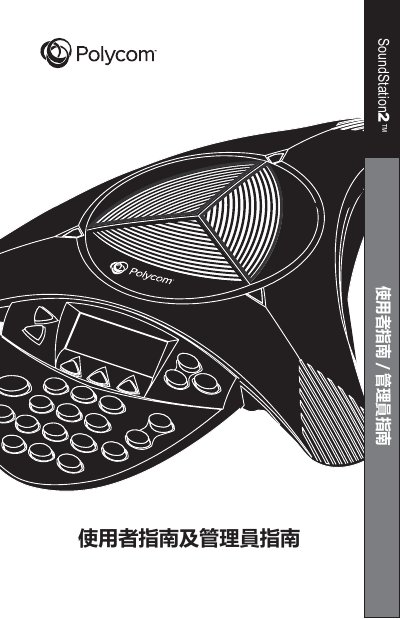

Polycom SoundStation2 User Manual - cover page
Brand
Polycom
Document type
User Manual
Language
Chinese
Pages
40
File format
PDF
File size
8.3 MB
Published
30 October, 2023
Updated
30 October, 2023
MD5 checksum
F9232DDA01FFF86DED208AE2AF51C593

About this manual

This manual provides step-by-step instructions for installing and using the Polycom SoundStation2, a business-grade conference phone. It covers basic operations like dialing, answering calls, muting, and holding calls. The guide also explains the device’s features, including multilingual support, enhanced user interface, and connection options. Safety precautions and troubleshooting tips are included to ensure proper use and maintenance. This manual is written in Chinese.

What's inside

  • Welcome
  • Overview
  • Parts List
  • Installing SoundStation2
  • Features
  • LED Indicators
  • Buttons
  • Display
  • Using SoundStation2
  • Dialing

Frequently asked questions

What is the SoundStation2 and where is it intended to be used?

It is an entry-level conference phone for small to medium conference rooms and offices.

How many entries can the built-in phonebook and speed dial list retain?

Up to 25 entries.

Which languages can the SoundStation2 display be set to?

English, French, German, Italian, Norwegian, Spanish, and Brazilian Portuguese.

How do you mute a call, and what does the LED do?

Press the mute button; the LED on top lights red while the call is muted.

Download PDF (8.3 MB)

More Polycom Manuals


View all Polycom manuals →